Affordable and efficient

Sebastian Pilch
Reseller on eBay


300+ million downloads
First upload the image into the tool.
You will be automatically redirected into the editor of the Webapp, where you can further customize your photo.
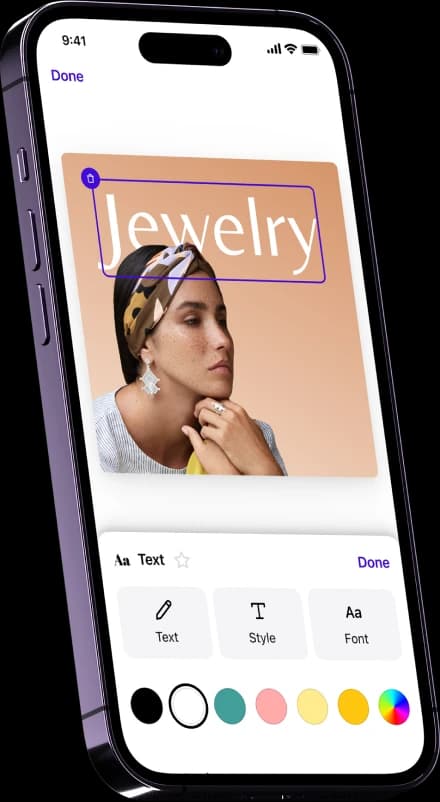
Now you can choose between many different stickers, banners, frames, forms and letters.
You can also choose to upload your unique sticker by using the upload option. Let your creativity run free!
When you are satisfied with the outcome, you can either choose to download the image or to share it with another person.
Your collaborator can use the same template to either edit your template or use it to create similar images.

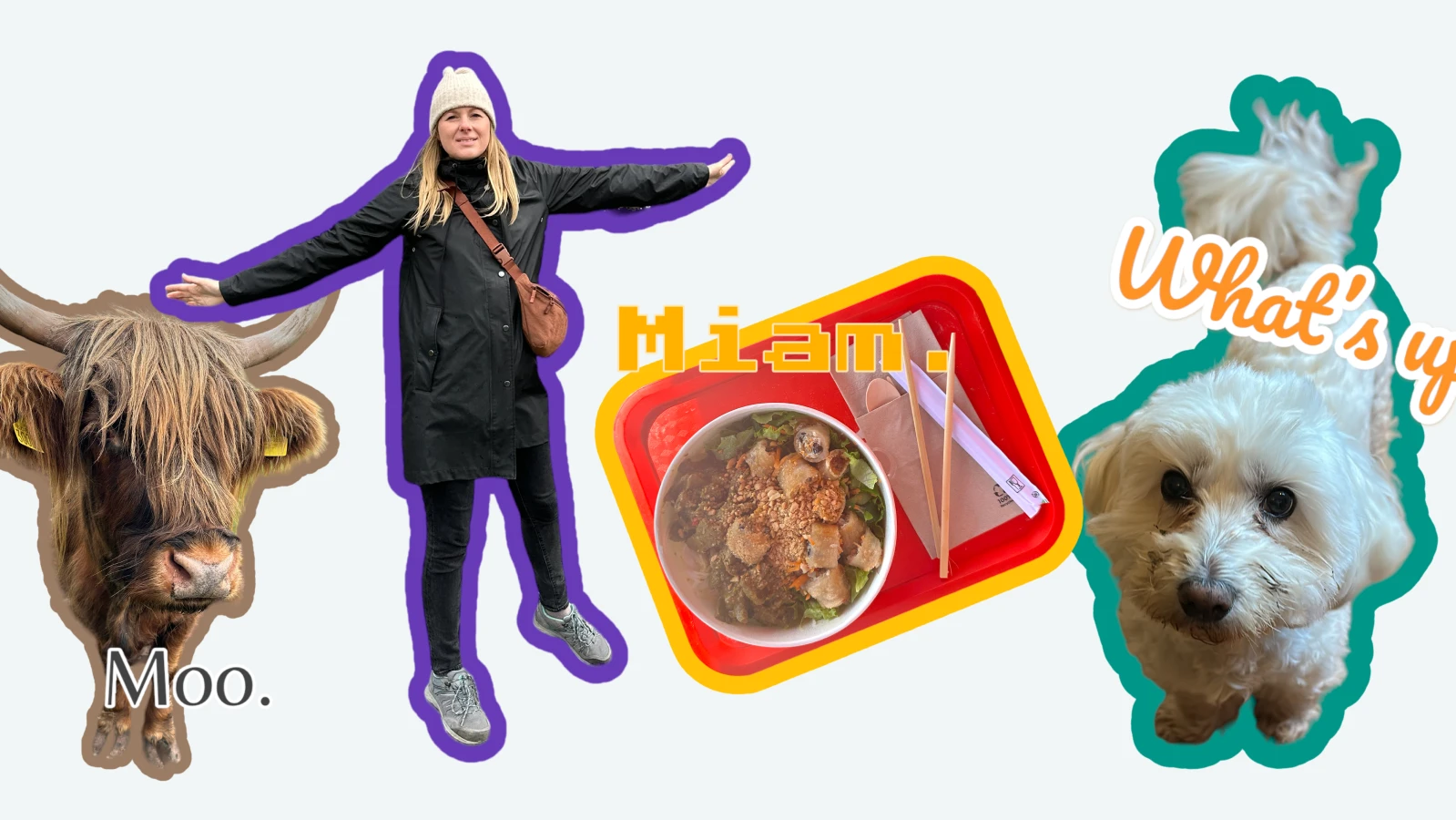
Stickers and other images offer a visual way to convey emotions, messages, or themes within an image. They can be used to add humor, emphasize certain aspects, or communicate specific moods, making the image more engaging and expressive.

You don't have a use case on top of your mind?
You can add a marketplace logo onto a YouTube Thumbnail or a personalised sticker onto a banner for your website. You can also add a funny cat sticker on a selfie which you want to share with your friends. There are many professional, but also personal use cases.

With Photoroom, you not only have the possibility to add stickers to your photos but also to resize the image for Instagram or change the background color, all within the same tool. Our goal is to make your life easier by assisting with tasks that would otherwise consume excessive time.
How can I put stickers on my photos for free?
You can use the tool from Photoroom which allows you to add sticker on your photo for free and online. It is a fast and easy way to add stickers on your image without any prior knowledge.
Why would I put stickers on my photo?
Stickers provide a wide range of graphical elements, icons, and designs that can be added to images, allowing users to unleash their creativity and personalize their photos with unique and eye-catching elements.
Reseller on eBay

Small business owner

Content Creator