Affordable and efficient

Sebastian Pilch
Reseller on eBay

First, select the photo with a person or object that you would like to outline.
Don’t worry about the background, it will be automatically removed, and you can add anything that fits your vision afterward.
In order to add the outline, click on the object or person you would like to outline. Then move the toggle to the right to activate the outline.
You can adjust the color, and the intensity of the outline, and you also have the possibility to blur the outline.
To create engaging visuals, change the background of the image – either with your own photo or with an AI-generated photo.
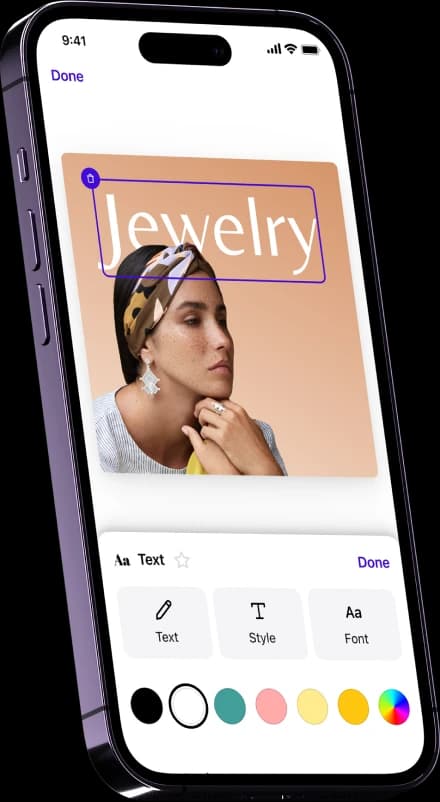
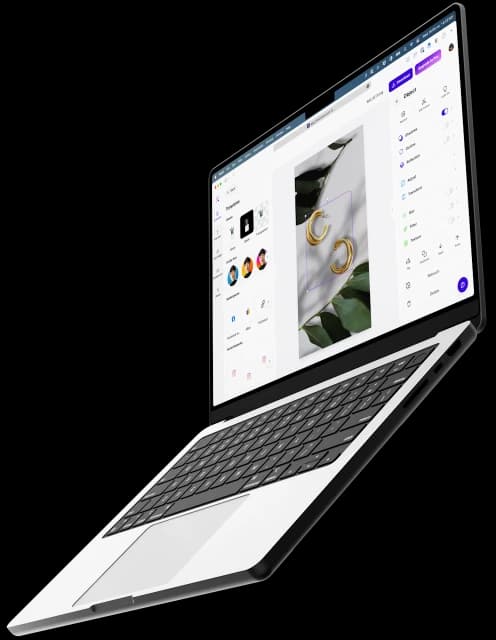
If you prefer a color background or to add text to your image, you can find all the editing possibilities in the application. To export, just click on Download in the top right corner.

We've all seen marketing materials that are as interesting as watching grass grow. Inject some excitement and outline photos for a unique product introduction, leverage image outlines to accentuate brand highlights, and sprinkle in a couple of memes for a well-timed dose of humor. Let's keep it engaging!

Creating new Instagram posts every day can be a tough job! With customized templates and creative AI photo editing tools, it is now possible to gain time and easily overcome creative lows. Outline your picture, add text, and generate AI backgrounds for your next Instagram post—there are many ways to spice up your workflow.
Can I change the color of the picture outline?
To change the color of the outline, simply click on “Outline” and then on “Color”. You have the choice to select any color from the color rainbow or you can add your exact HEX color code into the field.
How can I add an outline filter to an image?
Open the Photoroom app either on your phone or sign in to use the web version. Upload a photo of the person or object you want to outline and then click on the object. You activate the toggle by clicking on it, and you will see an outline appear around your picture.
Do I need to use the Background Remover before getting outlines of images?
When you upload your image with Photoroom, then the background of your photo will be automatically removed! You can upload images as .png and .jpg files.
What sets stickers apart from outline pictures?
Stickers are images or designs that can be easily peeled off and attached to various surfaces, adding a decorative element. On the other hand, outline pictures are images with distinct, simplified outlines, often used for artistic or illustrative purposes.
Reseller on eBay

Small business owner

Content Creator