

Affordable and efficient

Sebastian Pilch
Reseller on eBay

300+ million downloads
Choose the image you want to add a black background to by clicking on “Start from a photo”.
Your image format can be PNG or JPG - both is supported.
Our tool automatically removes the background from your photo and turns it into black.
Click on “Edit in Photoroom”, to choose another background color or add an AI generated background photo.
Download your image with a dark background as a PNG file.
You can also create a Photoroom account to store your work and enjoy more photo editing options.

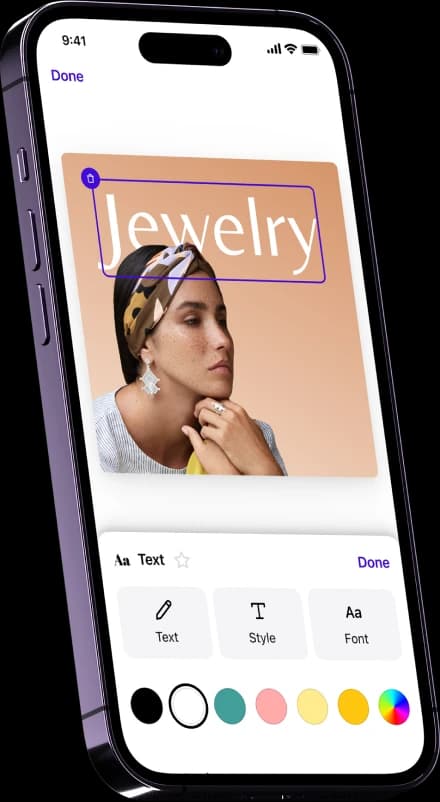
Adding a black background to your image offers several benefits, as it creates a visually striking contrast, enhances depth, and can evoke a sense of sophistication, drama, or mystery, depending on the context. Add text to your image or resize it to fit your social media platform and enjoy photo editing features all in one application.

A dark background increases contrast and details, enhancing product photography. Increase your online sales by adding a black background to your items without using a real black backdrop. Make use of our Batch Mode and API solution, if you want to create thousands of images simultaneously.
Reseller on eBay

Small business owner

Content Creator
A black background allows you to remove the existing background and replace it with a sleek and captivating black backdrop. By using AI background generators, you can effortlessly change the background to black, achieving a professional and visually appealing result. The contrast between the subject and the black background creates a visually striking effect, making the subject stand out and grab attention. Additionally, a black background adds a touch of elegance and sophistication to your image, enhancing its overall aesthetic appeal. Lastly, opting for a black background offers versatility, as it complements a wide range of subjects and can be used effectively in various creative projects, including photography, graphic design, and digital artwork.