Affordable and efficient

Sebastian Pilch
Reseller on eBay


300+ million downloads
Upload a picture of your choice, and you will be automatically forwarded to the editor.
If you are on your smartphone, make sure, you download the app to edit directly on your phone.
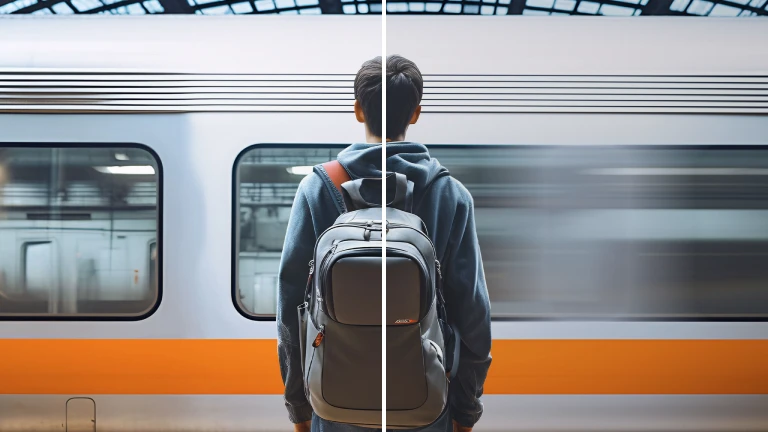
Now click on the object or person in the foreground. The tool automatically distinguishes between the background and the objects or people in the front of your photo. By using the 'light on' button, the foreground is automatically illuminated. This is great if you want to highlight a specific part of your photo.
Following this quick enhancement, you can now choose to use different templates or add additional text to the image.
Depending on the purpose of your image, the options in the editor are numerous

When a photo is taken in dim lighting or at night, an Image Brightener can help bring out details that may have been lost due to insufficient light. Sometimes, due to camera settings or challenging lighting situations, images may appear too dark. An Image Brightener can also correct the exposure and reveal hidden details.

Brightening an image can make it more vibrant, lively, and visually appealing, which is often desired in various forms of media, such as advertisements, social media posts, and artistic compositions. Especially if you want to focus on highlighting an object or a person in an image, you should try Photoroom today.
Reseller on eBay

Small business owner

Content Creator
When does an image brightener come in handy?
If certain elements in the image, such as objects or people in the foreground, are difficult to distinguish due to poor lighting, using an Image Brightener can improve their visibility and prominence.
How do you brighten an image?
To brighten an image, you can use various image editing software or online tools such as Photoshop or Photoroom. The great thing about Photoroom is the fact, that you do not need any prior knowledge of photo editing skills and on top the tool is free.
How does brightening an image work?
Digital images are composed of pixels, and each pixel has specific color and brightness information. Brightening an image involves increasing the brightness value of these pixels, making them lighter.