Affordable and efficient

Sebastian Pilch
Reseller on eBay


300+ million downloads
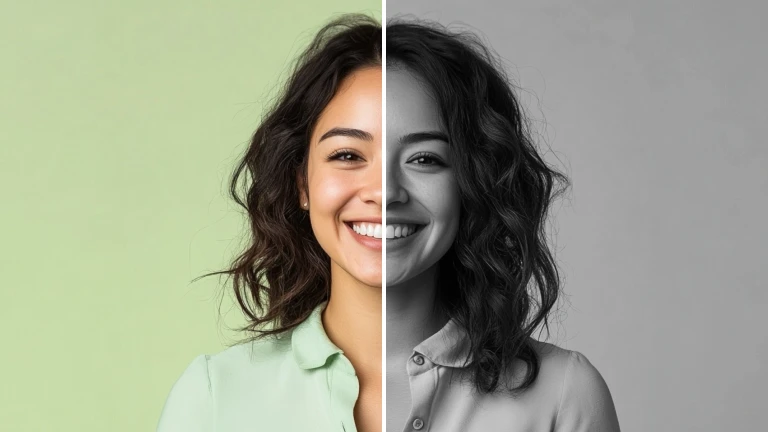
A sepia filter creates a sense of nostalgia and gives a vintage look, perfect for old-timey themes or sentimental moments.
Apply a sepia filter to add depth and warmth, enhancing the emotional impact of portraits or intimate scenes.
Use a sepia filter for a creative flair, transforming ordinary images into visually striking, artistic compositions.

A sepia filter can lend a sense of vintage authenticity to your images, adding a nostalgic charm that resonates with consumers seeking a classic or timeless appeal. By incorporating a sepia filter, the product's visual presentation can stand out amidst modern aesthetics, offering a unique and memorable impression that captures attention and enhances brand identity.

You can do more with your image than using a sepia filter. You can make use of a broad variety of features that can help you to create your dream image: replacing the background, enhancing the image, or using a creative template. there are no limits to your ideas!
Reseller on eBay

Small business owner

Content Creator
What is a sepia color filter?
A sepia color filter is like a vintage makeover for photos, adding a cozy, warm brown hue that gives them an old-school, nostalgic vibe. It's that special touch that makes your pictures feel like cherished memories from the past.
How can I add a sepia filter?
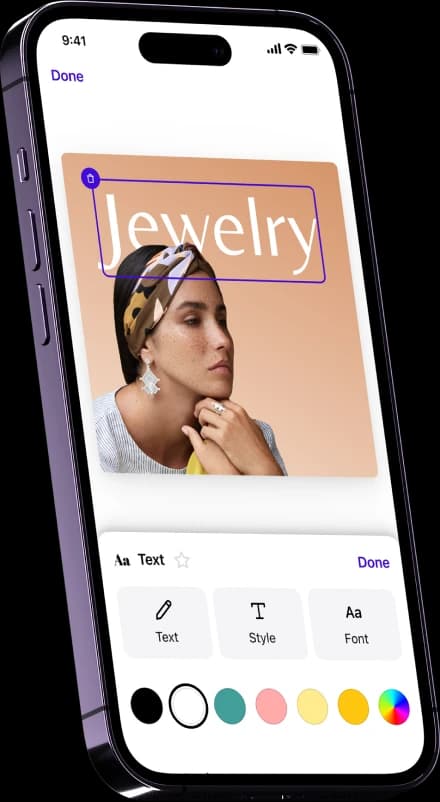
Upload your image and then go to Templates. Go to “Photography Classics” and choose the “Sepia filter”. Or just drop your image in the field at the top of the page, and you will be automatically redirected into the web editor view.
Is the sepia filter for free?
You can use the Photoroom app to add this filter and to download your image for free!